1. Обзор решения: преобразование классных комнат в интеллектуальные учебные пространства
Современное образование развивается быстрее, чем когда-либо. Школы, университеты, учебные центры и государственные учреждения во всем мире модернизируют свои классные комнаты, чтобы стать более умными, более интерактивными и полностью цифровыми. Чтобы поддержать это преобразование, Qtenboard предоставляет полныйРешение умного классного оборудования EdTech AV-Единая экосистема, которая объединяет интерактивные дисплеи, AV-системы, аудио в классе, запись лекций, программное обеспечение AI, управление устройствами и полное оборудование для установки в одном бесшовном пакете.
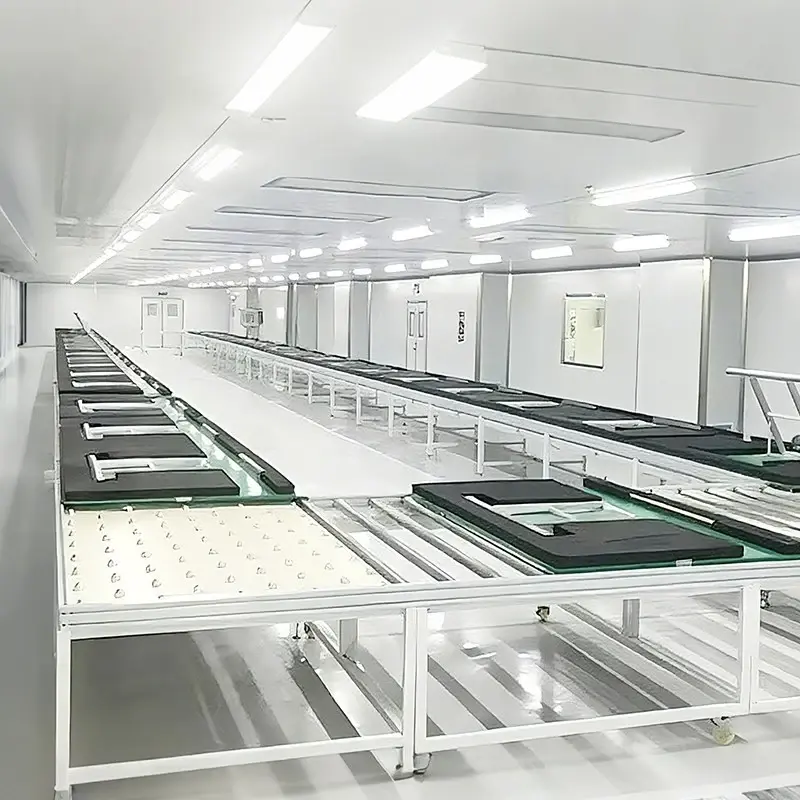
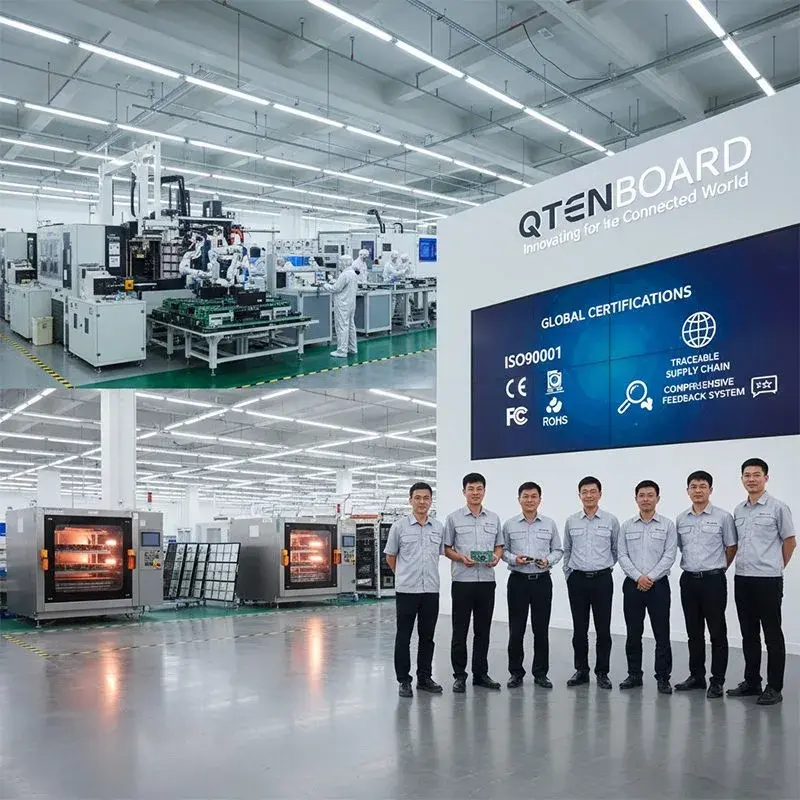
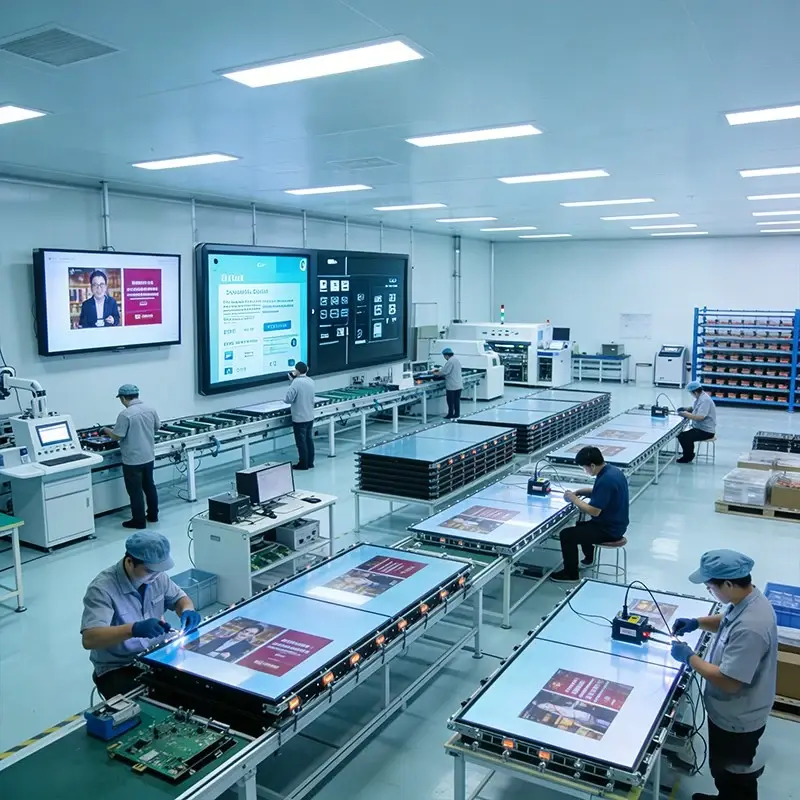
В отличие от поставщиков, которые предлагают только отдельные устройства, Qtenboard является одновременно производителем оборудования и разработчиком программной платформы. Имея заводы в Шэньчжэне и Гуанчжоу, ежедневную производственную мощность 200 единиц и глобальную клиентскую сеть, мы поставляем полные, масштабируемые и настраиваемые интеллектуальные системы класса для K-12, высшего образования и профессиональной среды обучения.
Наше решение работает на Qtenboard EduHub, обучающей платформе на основе искусственного интеллекта, которая объединяет учителей, студентов, устройства и AV-системы в интегрированную среду обучения.
Основные цели
- Повысьте эффективность обучения с помощью интуитивно понятных инструментов, интерактивных дисплеев, беспроводной совместной работы и создания заметок с помощью искусственного интеллекта.
- Усильте аудиовизуальную работу в классе с помощью акустических систем профессионального уровня, камер слежения за учителями, беспроводных микрофонов и записи лекций.
- Обеспечить полное цифровое управление с помощью централизованного мониторинга устройств, удаленных обновлений и гибких систем управления
Этот подход «все-в-одном» гарантирует, что школы и интеграторы могут развернуть перспективную среду, которая поддерживает интерактивное обучение, гибридное обучение, образование STEM и требования AV для больших комнат.
2. Интеграция аппаратного обеспечения: преимущество Qtenboard.
А. Интерактивное учебное оборудование
Qtenboard предоставляет полный спектр современных интерактивных дисплеев (55 "-110"), предназначенных для образования, выступая в качестве центрального интерфейса обучения для каждого умного класса.
- Разрешение 4K UHD
- Мультитач (20-50 точек) ИК/емкостная технология
- Поддержка двух ОС (Android Windows опционально)
- Антибликовое стекло, стекло с защитой от синего света
- Беспроводной кастинг с ноутбуков, планшетов и телефонов
- Совместимость с учебными инструментами EduHub
Может сочетаться с такими аксессуарами, как нано-интерактивная доска, инфракрасная электронная доска и скользящая доска.
Б. Полная классная система AV
1. Профессиональная аудиосистема
- Беспроводные микрофоны (Учитель карманный/Клипса/Шлем микрофон)
- Высококачественные профессиональные динамики abaQM-S300-MX5 】
- Потолочные или настенные аудиосистемы "QM-YX680"
- Аудиопроцессор для подавления эха и шумоподавления postalQM-S300-N6060 】
- Профессиональный усилитель мощности abaQM-S300-1400 ban
- Секвенсор питания для безопасного распределения электроэнергии вкорм
Наша система обеспечивает четкое, равномерно распределенное аудио в классах, лекционных залах и гибридных учебных средах.
2. Захват видео в классе и камеры
- Камера слежения за учителем-автоматически следит за движением инструктора 【 QM-1801(T)】
- Камера слежения за учениками-фиксирует студенческие взаимодействия【 QM-1801(S)】
- HD-камера для класса-изображение высокого разрешения【 QM-V61 】
Эти камеры легко интегрируются с нашей системой записи.
3. Захват лекции и система записи
Qtenboard поддерживает сквозную запись, потоковую передачу и гибридное обучение:
- Читать оффлайн hostQM-S8000
- Программа записи suiteofiV3.0otstor
- Система удаленного каталога на основе IE стал V3.0 】
- Сенсорная панель управления для управления классом abaQM-XD-10J выход
Учителя могут записывать уроки автоматически или вручную, транслировать живые сессии и хранить видео для просмотра учениками в любое время.
С. Интеграция сети & инфраструктуры
Каждый умный класс требует стабильной и безопасной инфраструктуры. Qtenboard предлагает:
- Панель управления av
- Коммутационное оборудование (сетевые коммутаторы)
- Кабельная разводка профессионального уровня
- Стеллаж шкафы для организации оборудования
- Блоки управления питанием
Это гарантирует безопасные, организованные и масштабируемые установки для интеграторов и крупных кампусов.
3. Комплексные модели умных классов
Для поддержки различных бюджетов и учебных потребностей Qtenboard предлагает несколько решений для среды:
А. Стандартный Умный Класс
Идеально подходит для K-12 и малых и средних классов.
- Интерактивный дисплей 65 "/75"
- Беспроводной микрофон
- HD камера учителя
- Два настенных динамика
- Удаленное управление устройствами
Б. Расширенный интерактивный класс
Подходит для средних школ и учебных центров.
- Интерактивная учебная доска Nano / Push-Pull доска
- Спикеры
- Учитель слежения камеры
- Студент слежения камеры
- Документ камеры
- Полнодиапазонный аудиопроцессор
- Секвенсор мощности
- Смарт Подиум
- Система записи лекций
С. Лекционный зал/Аудитория Smart AV Systems
Предназначен для университетов, аудиторий и многофункциональных залов.
- 98 " / 110" дисплей или ЖК-видео стена
- Документ камеры
- Активные спикеры
- Смарт Подиум ТВ
- Камеры ptz
- Микрофоны для формирования
- Динамики высокой мощности.
- AV-матрица и панель управления
- Полная запись живой потоковой системы
Д. Мультимедийный класс Smart AV системы
Полностью оборудованный мультимедийный класс обычно включает в себя следующие компоненты, охватывающие учебный дисплей, аудио, запись, взаимодействие и управление классом:
1. Основная система отображения обучения
- Интерактивная плоская панель (IFP) /Интерактивная доска
- Интерактивный дисплей Nano Blackboard (все-в-одном Smart Blackboard)
- Потолк-установленный или Стен-установленный ТВ для зеркального отображения экрана
- Экран моторизованный репроектором (если требуется)
2. Аудио система
- Настенные или потолочные динамики для классных комнат
- Усилитель силы & аудио смеситель
- Учительский микрофон (головной/ручной беспроводной/петличный)
- Студенческие дискуссионные микрофоны (опционально для лекционных залов)
3. Учитель & #039;s Обучающие Устройства
- Учитель Компьютер/Настольный ПК
- Планшет учителя для беспроводного управления
- Электронная кафедра/умный подиум
- Документ камера (визуализатор)
- Беспроводная система презентации (AirPlay/Miracast/Chromecast Dongle)
4. Студенческие устройства
- Студенческие планшеты/ноутбуки
- Система ответов студентов (кликеры)
- Система цифрового экзамена (опция)
5. Камера и система записи
- Камера с автоматическим отслеживанием AI для учителей
- Студент-лицом камеры
- Камера слежения Pan-Tilt-Zoom (PTZ)
- Система захвата лекции/Хост записи в классе
- Дистанционное обучение & Live потокового кодировщик
6. Классная система управления
- Центральная панель управления/Сенсорная панель управления
- Контроль окружающей среды (освещение, шторы, интеграция с переменным током)
- Система управления устройствами (удаленный мониторинг и обновления OTA)
- AV Matrix Switcher (если несколько источников видео)
7. Сеть & инфраструктура
- Классная сеть WiFi 6 или WiFi 6E
- Концентратор гигабитной коммутации
- Переключатель PoE для камер и панелей управления
- Классная облачная платформа (LMS / CMS)
- Интерактивная платформа обучения (программное обеспечение взаимодействия учитель-студент)
8. Другие аксессуары
- Лазерный указатель/контроллер презентера
- Система управления кабелем
- Зарядная тележка для студенческих устройств
- Резервное питание ИБП
- Настенные крепления/потолочные крепления для дисплеев и камер
4. Почему школы и интеграторы выбирают Qtenboard
- Один-стоп Smart Classroom провайдер-Руководство по установке аппаратного обеспечения инфраструктуры AV
- Ценообразование на заводском уровне и производственная мощность
- Производство в Шэньчжэне и Гуанчжоу
- Производственная мощность 200 блоков/дня
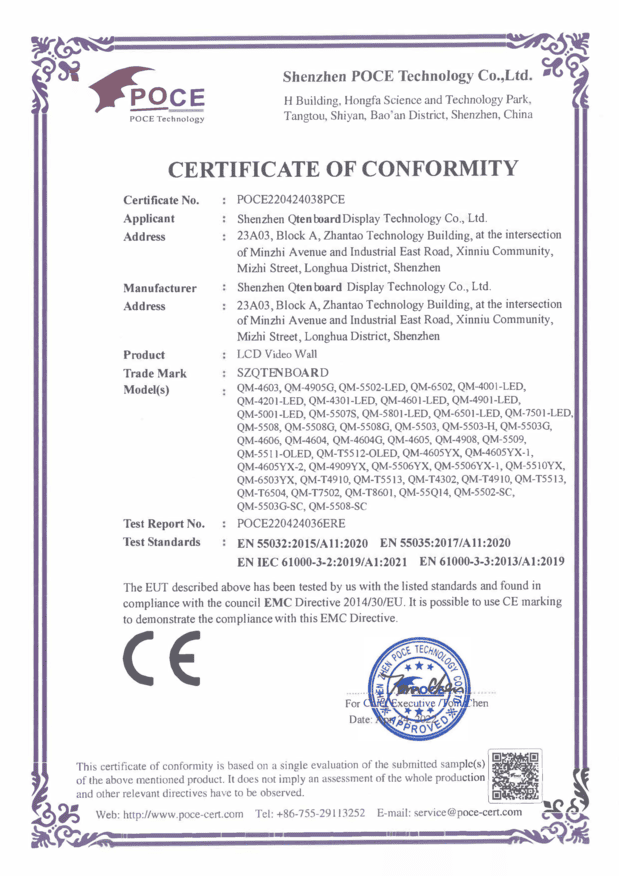
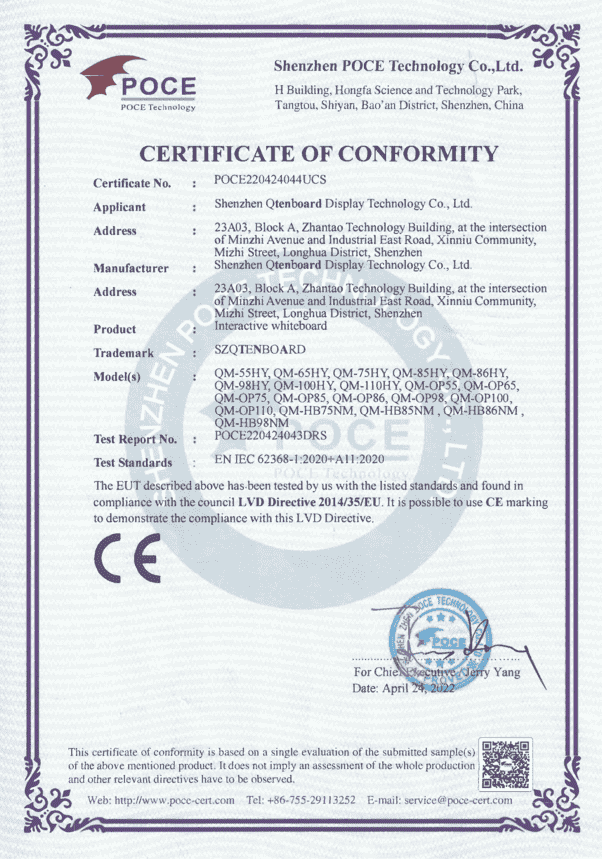
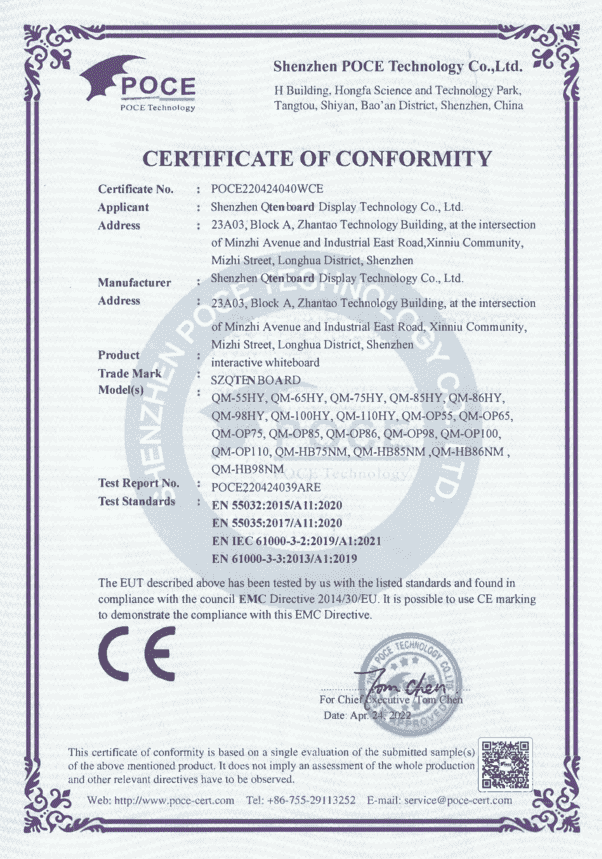
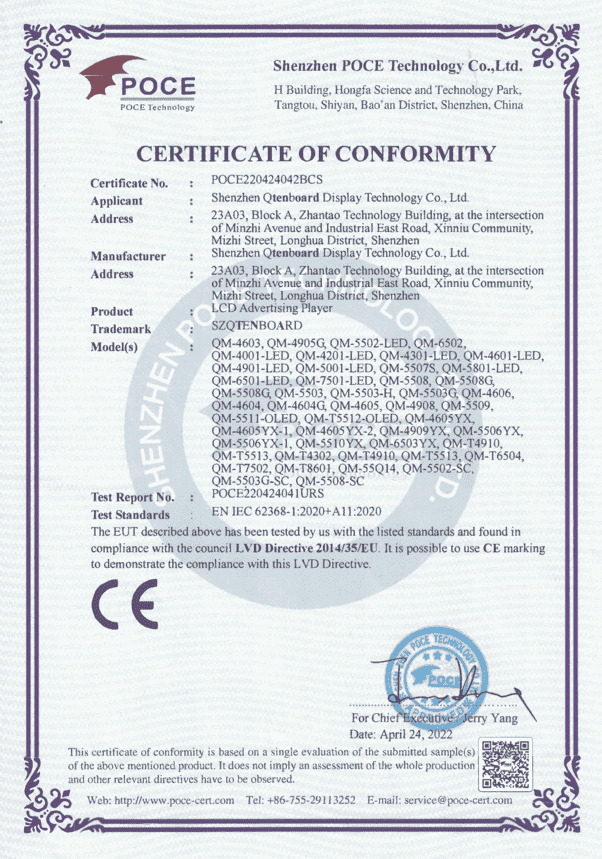
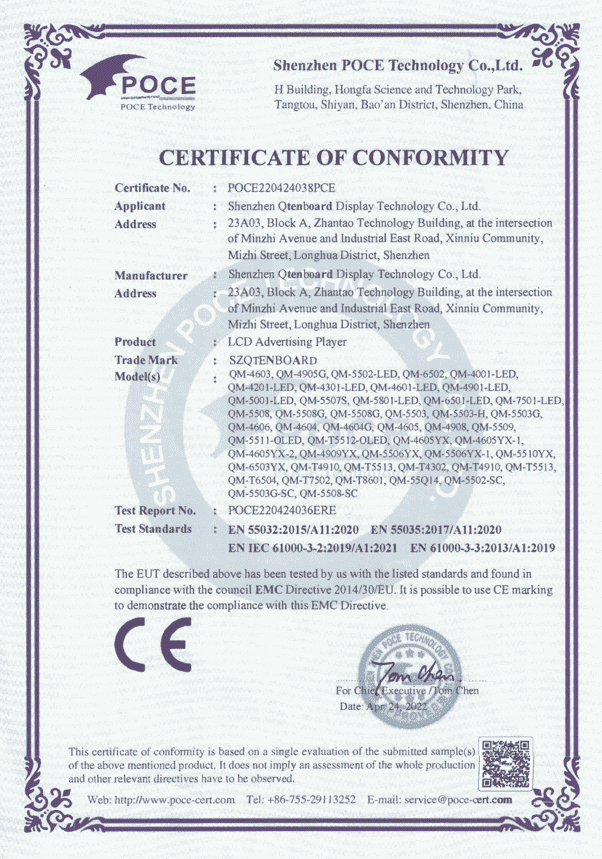
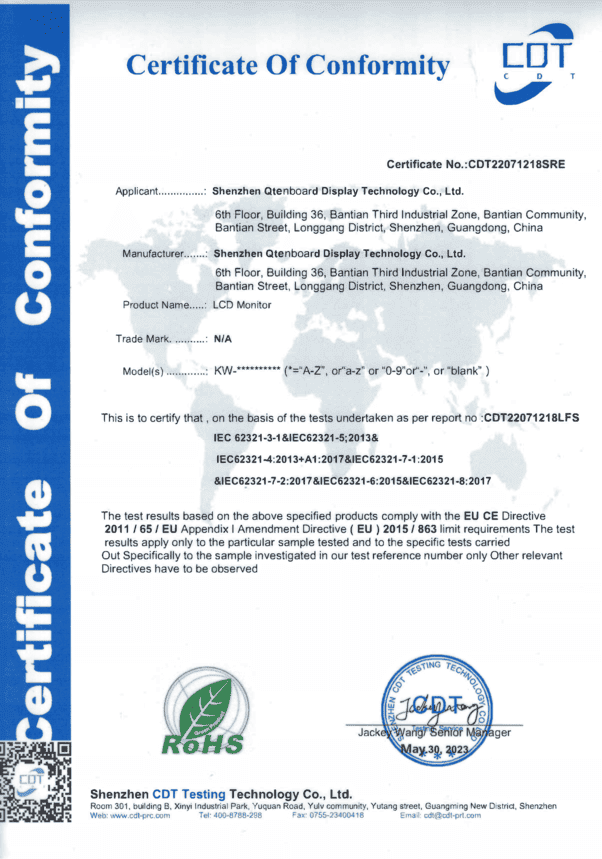
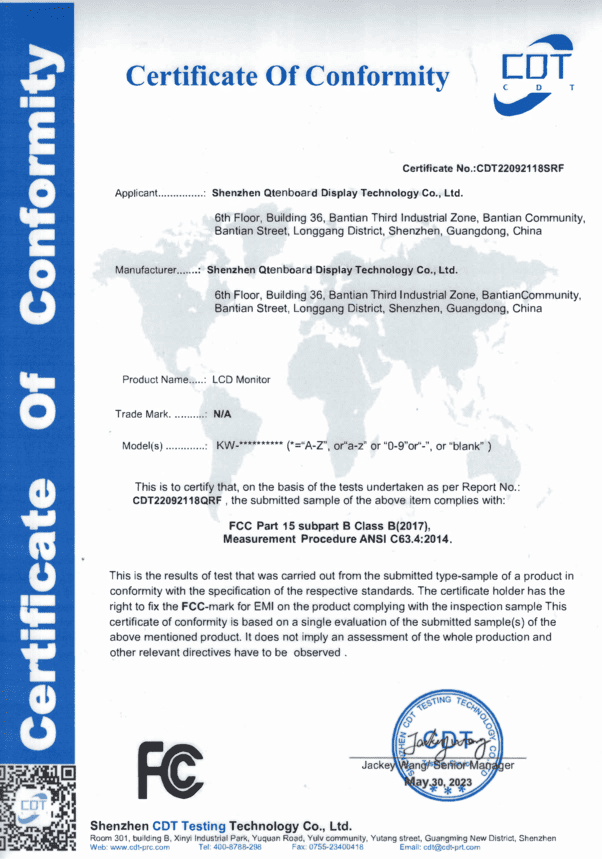
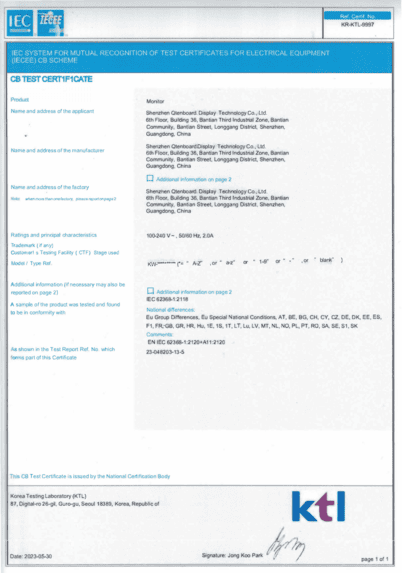
- Производство, сертифицированное ISO
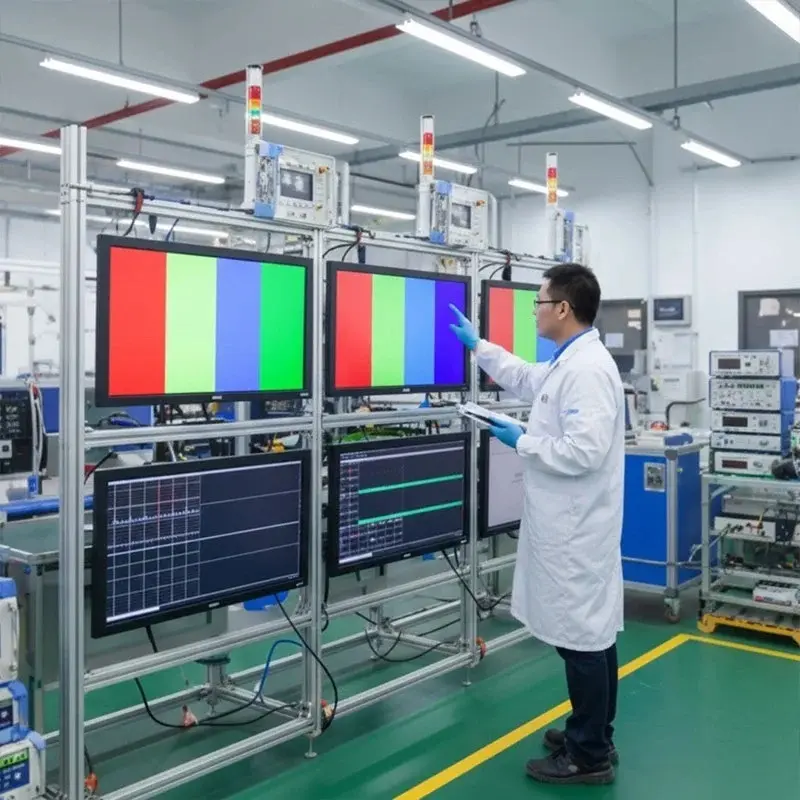
- Сильный контроль качества и испытание на старение
- Профессиональная инженерная поддержка AV
- Чертежи САПР
- Кабельные схемы
- Руководства по установке
- Шаблоны системной архитектуры
- Техническое обучение для партнеров
- Полностью настраиваемые OEM/ODM решенияДля глобальных дистрибьюторов и образовательных брендов:
- Настройка пользовательского интерфейса
- Настройка программного обеспечения
- Аппаратные компоненты
- Логотип White-label
- Системная интеграция
- Поддержка крупных проектов-При поддержке Китайской корпорации по страхованию экспорта и кредитов для проектов стоимостью> $1 млн.
5. Ожидаемые выгоды для школ
Когда учреждения внедряют решения Qtenboard Smart Classroom, они достигают:
- Более привлекательный учебный опыт
- Лучшая четкость звука в классе
- Более высокая эффективность обучения
- Полная возможность цифрового и удаленного обучения
- Более низкая стоимость оборудования в долгосрочной перспективе
- Единое управление во всех кампусах
- AV-производительность профессионального уровня.
6. Для интеграторов & дистрибьюторов
Qtenboard предоставляет все необходимое партнерам для реализации полных проектов в классе:
- Дизайн решения Пре-продаж
- Котировки списка спецификации
- Схемы подключения системы
- Учебные материалы
- Интеграция API/SKD
- Служба технической поддержки После-продаж
Это позволяет легко развертывать крупномасштабные интеллектуальные классные проекты в школах, университетах и учебных центрах.
Если вы хотите узнать о каждом из наших устройств, пожалуйста,Скачать PDF документИ свяжитесь с нами.
【Технические характеристики всех устройств.pdf 】
Контакты Наша команда образовательных решений
Заключение
Решение Qtenboard Smart Classroom EdTech AV Equipment представляет собой комплексную экосистему, предназначенную для модернизации образования на всех уровнях. Созданный на базе Qtenboard EduHub, поддерживаемый полностью изготовленным оборудованием и построенный на профессиональных инженерных стандартах AV, он позволяет школам и интеграторам с уверенностью создавать готовые к будущему среды обучения.
Будь то модернизация одного класса или создание общенационального образовательного проекта, Qtenboard обеспечивает надежность, масштабируемость и профессиональную поддержку, необходимые для долгосрочного успеха.



 RU
RU
 EN
EN  ARM
ARM  UKR
UKR  LAV
LAV  BEL
BEL  EST
EST  AZE
AZE 